
Media partner

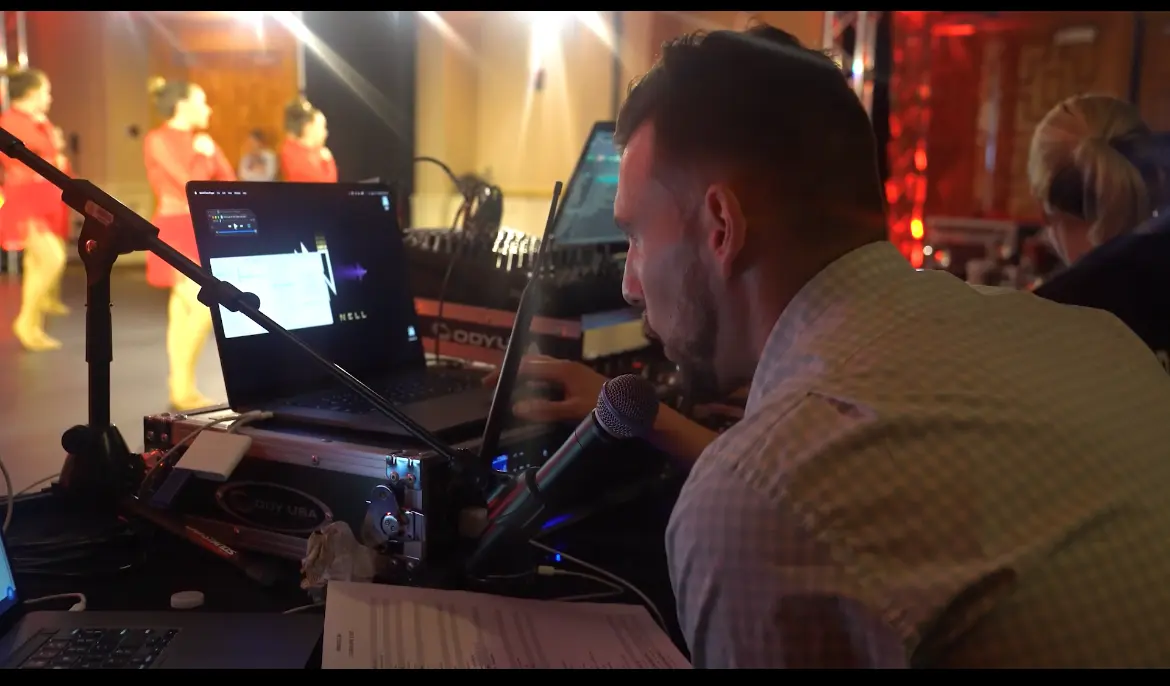
VSP provides us with the best pictures, videos, lighting, sound, entertainment, and more!
Purchasing event photos
Looking to purchase photos from an event? Follow these steps:
- 1Open your phone’s app store and download the “Dakiki” app, or scan the QR code below.
- 2Sign up and select “Competitions”.
- 3View all events and find “Dynamic Performance Challenge”.
- 4Locate your location/date, then select “Media”.
- 5Add your dancer(s) to your account.
- 6Content will be available to purchase.
For support, select the “Support” option from the app menu once registered.